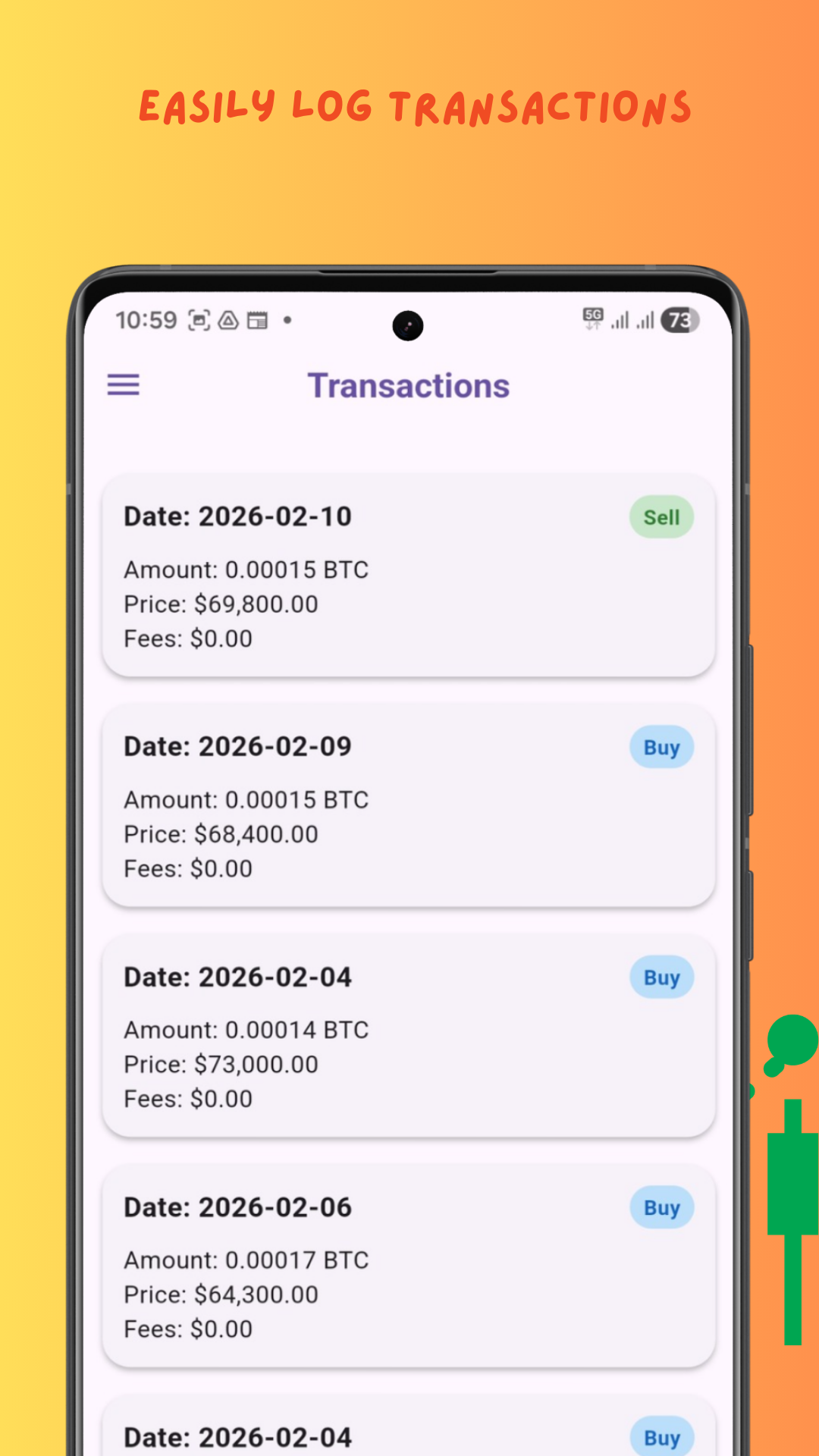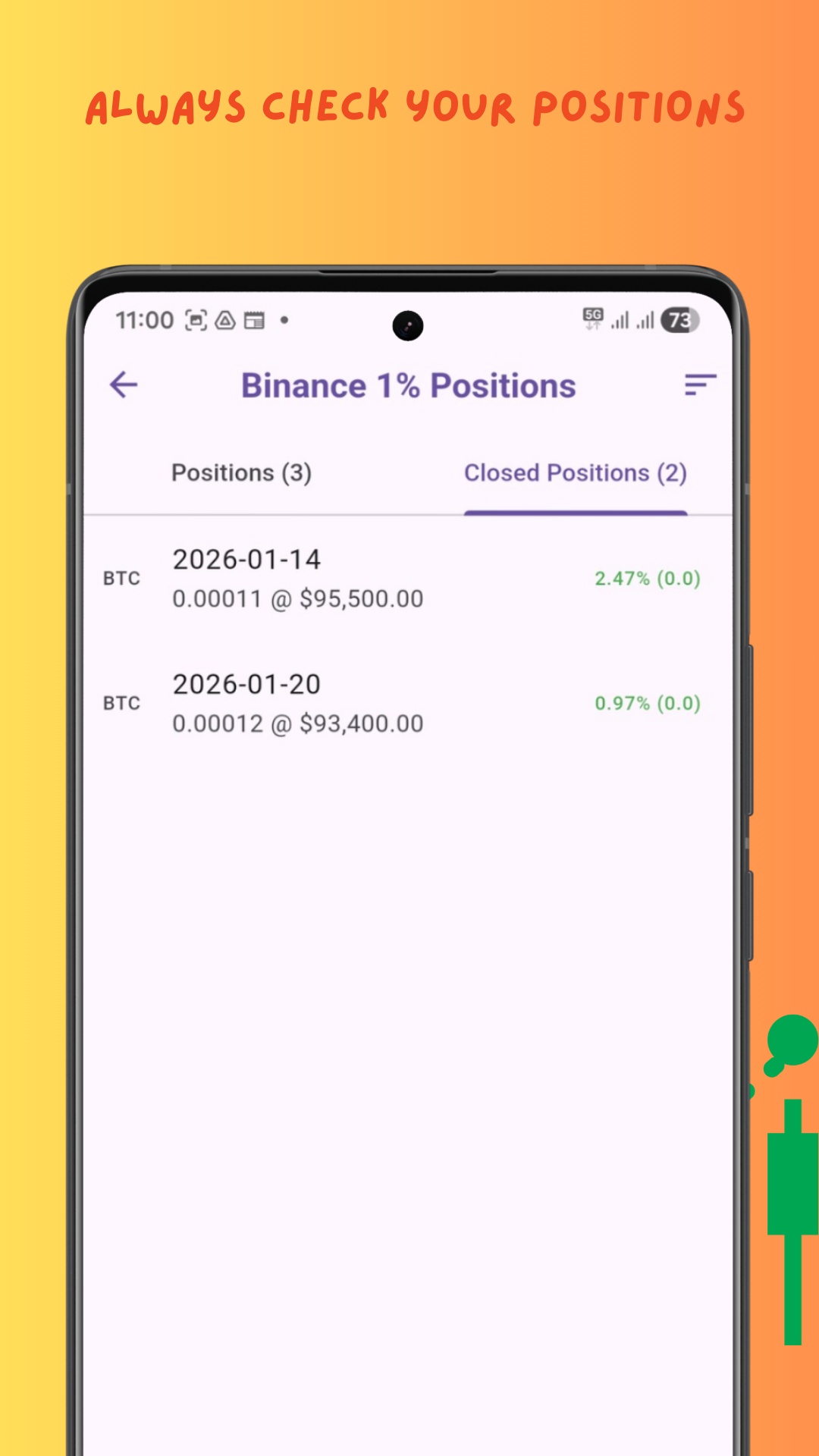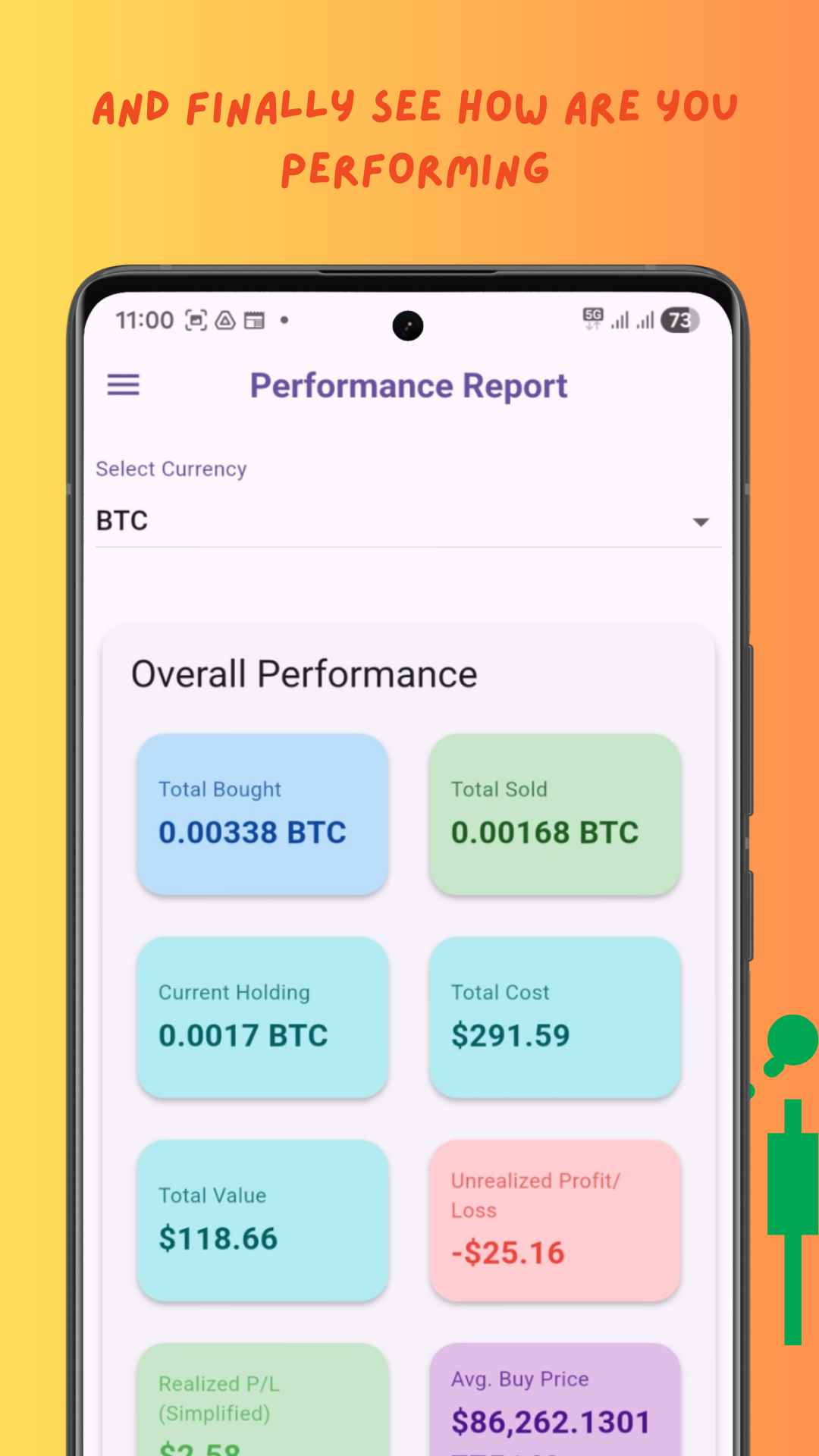
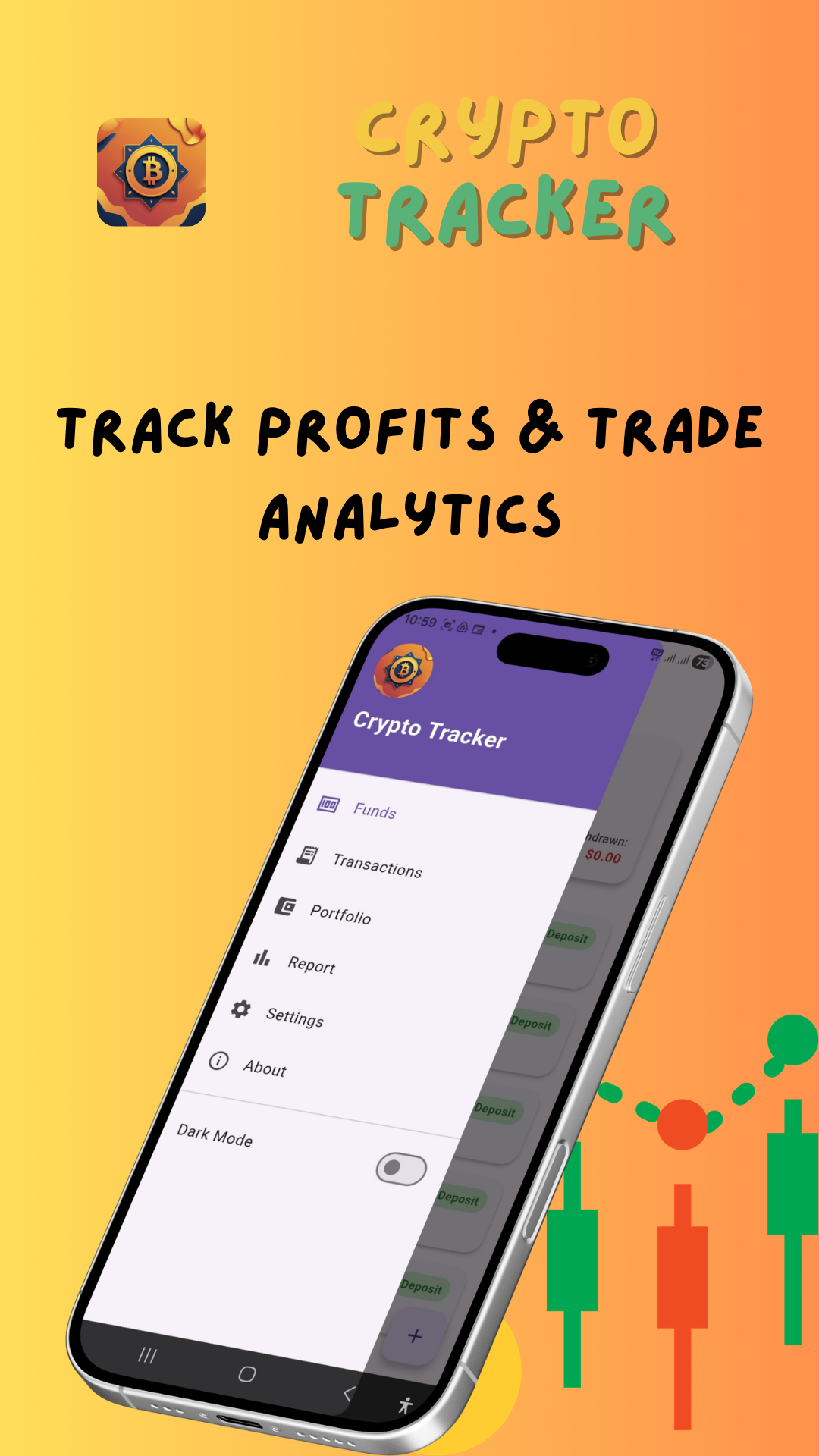
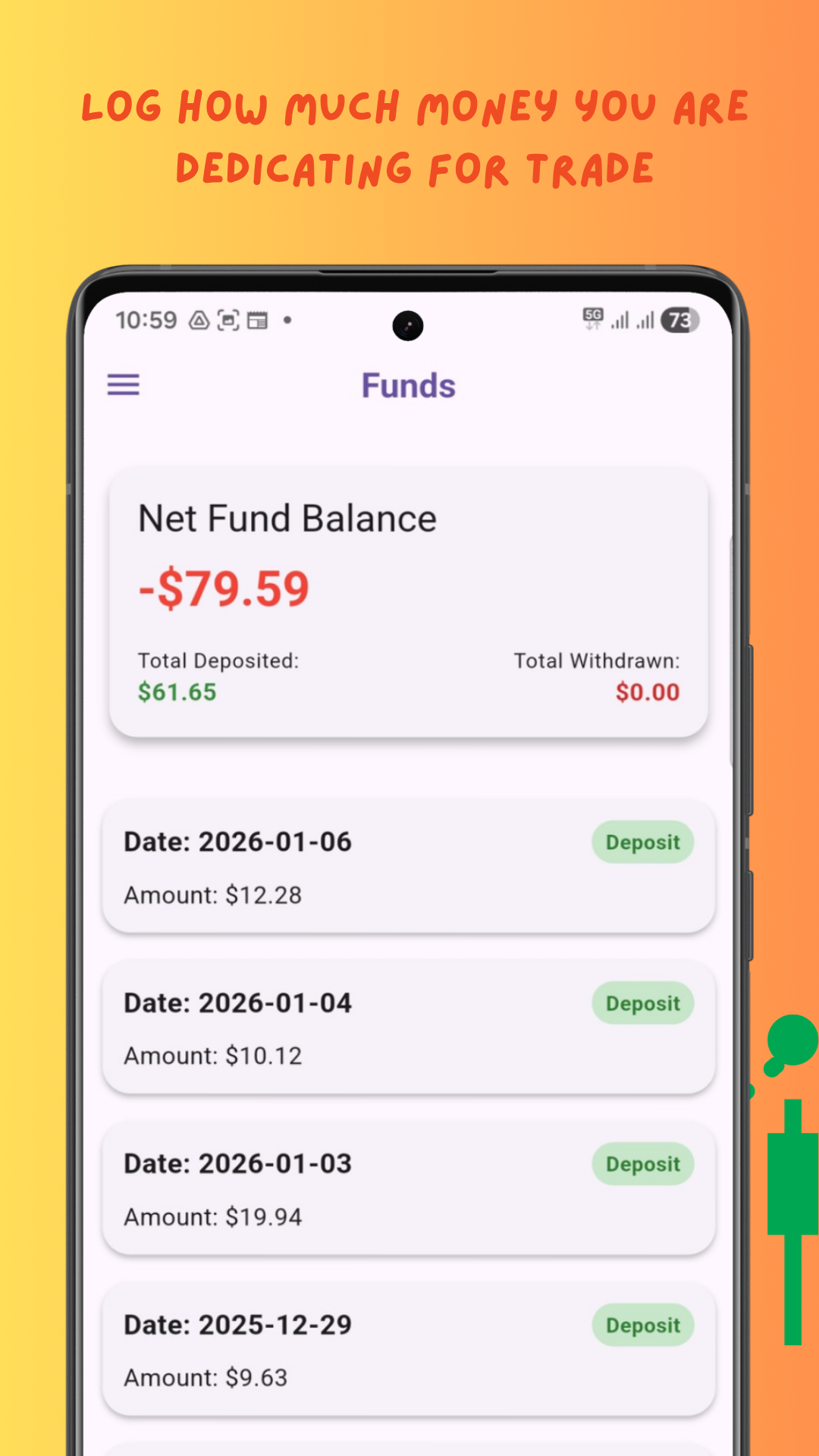
Bit Journal is a mobile application designed to help you effortlessly record and manage your Crypto buy and sell transactions. It provides comprehensive performance analysis, including profit/loss, average buy/sell prices, and current holdings. With an intuitive interface, customizable themes, and robust data persistence using Hive, you can track your crypto journey and gain valuable insights into your trading performance. It’s easy to use, and it has all the features you need to get started.
Unlock Your Full Potential

Discover how our comprehensive solutions empower your journey.

Offline Access

Track trades and analyze your portfolio without an internet connection. Your data stays on your device, not in the cloud.

100% Free

Complete access to all premium tracking features without any subscription. No hidden charges or limits.

Total Security

Your trading data is completely secure. We do not collect personal info. No user accounts needed.

Easy to Use

Simplified trade logging with smart forms. Analyze your ROI with clear, actionable insights.

Seize the Opportunity

Transform Your Business Today

FAQS

Getting Started & Account Setup
How do I get started with Bit Journal?
Simply download the app, set up your preferred currency, and begin logging your first crypto transactions or tracking your custom watchlist.
Is my financial data stored securely?
Yes. Bit Journal utilizes local device storage, ensuring your personal transaction logs and portfolio details remain private and secure on your device.
How do I change my base fiat currency (e.g., USD to EUR)?
Navigate to Settings > Preferences > Base Currency to select your preferred fiat display currency for all portfolio calculations.
Price Tracking Integration
Where do the cryptocurrency prices come from?
All real-time cryptocurrency market data and prices are provided reliably via the CoinGecko API.
How often are the prices updated?
Prices are automatically fetched and cached in-memory for 15 minutes to optimize performance, reduce network load, and respect API rate limits.
Portfolio & P&L Logging
How is my Profit & Loss (P&L) calculated?
Bit Journal automatically calculates your unrealized and realized P&L by comparing your recorded purchase price and quantity against current live market rates.
Can I edit or delete a past transaction?
Yes. Go to your Transaction History, tap on the specific entry you wish to modify, and select either Edit or Delete.
Troubleshooting & Build Performance
Why am I seeing a network error when refreshing prices?
Check your internet connection. If your connection is stable, it may indicate a temporary rate limit or downtime on the CoinGecko public API server.
Contact & Support
How can I request a new feature or report a bug?
Reach out to our support team directly through the Send Feedback form in the app settings or via our official support email.
Where can I review the privacy policy and terms of service?
Links to our complete Privacy Policy and Terms & Conditions are available in the about page.