
Tidy
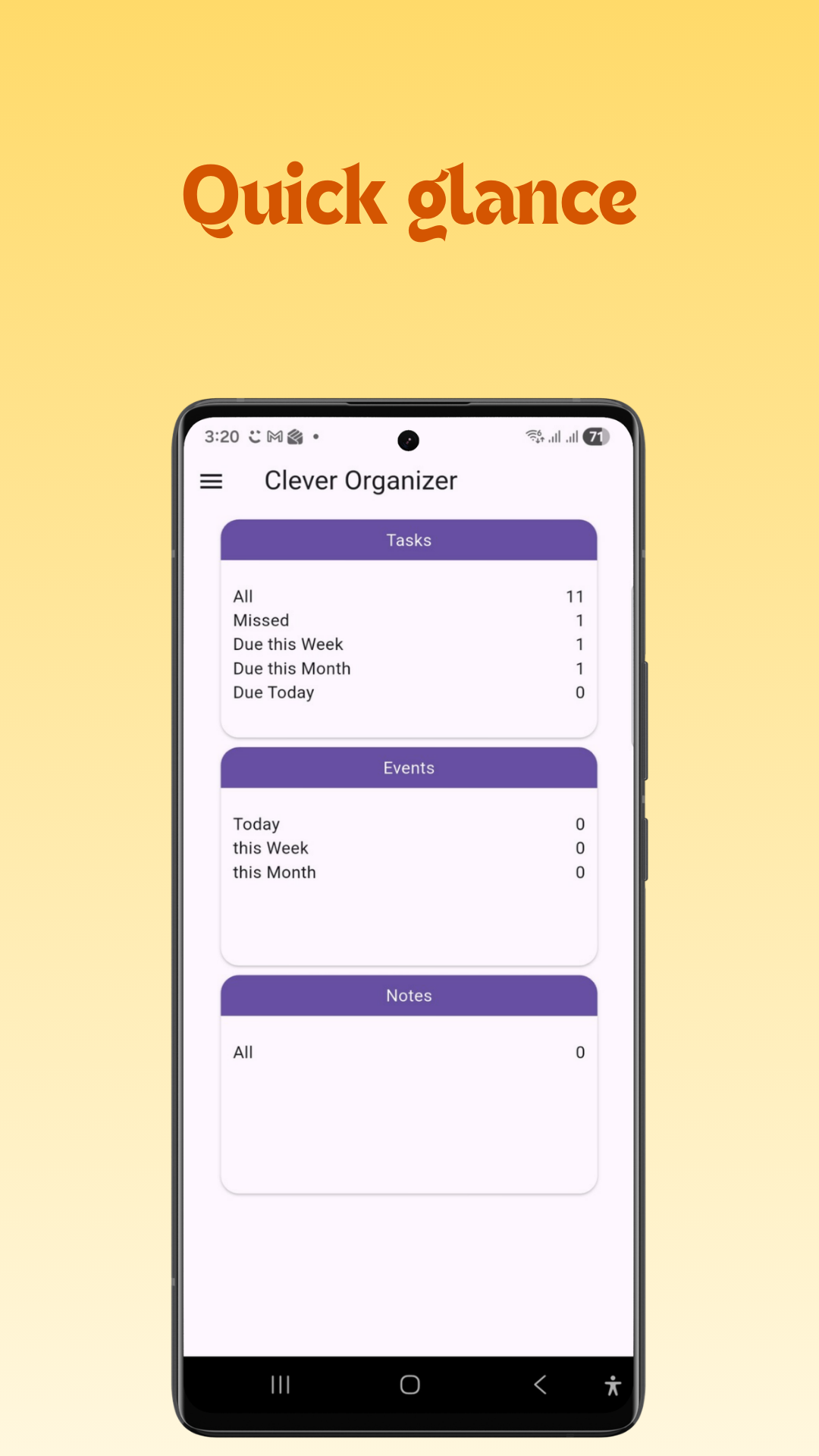
Tasks, Calendar & Notes


Clever Organizer is a smart app that helps you to stay organized and productive. With Clever Organizer, you can:
Features:
- Create projects.
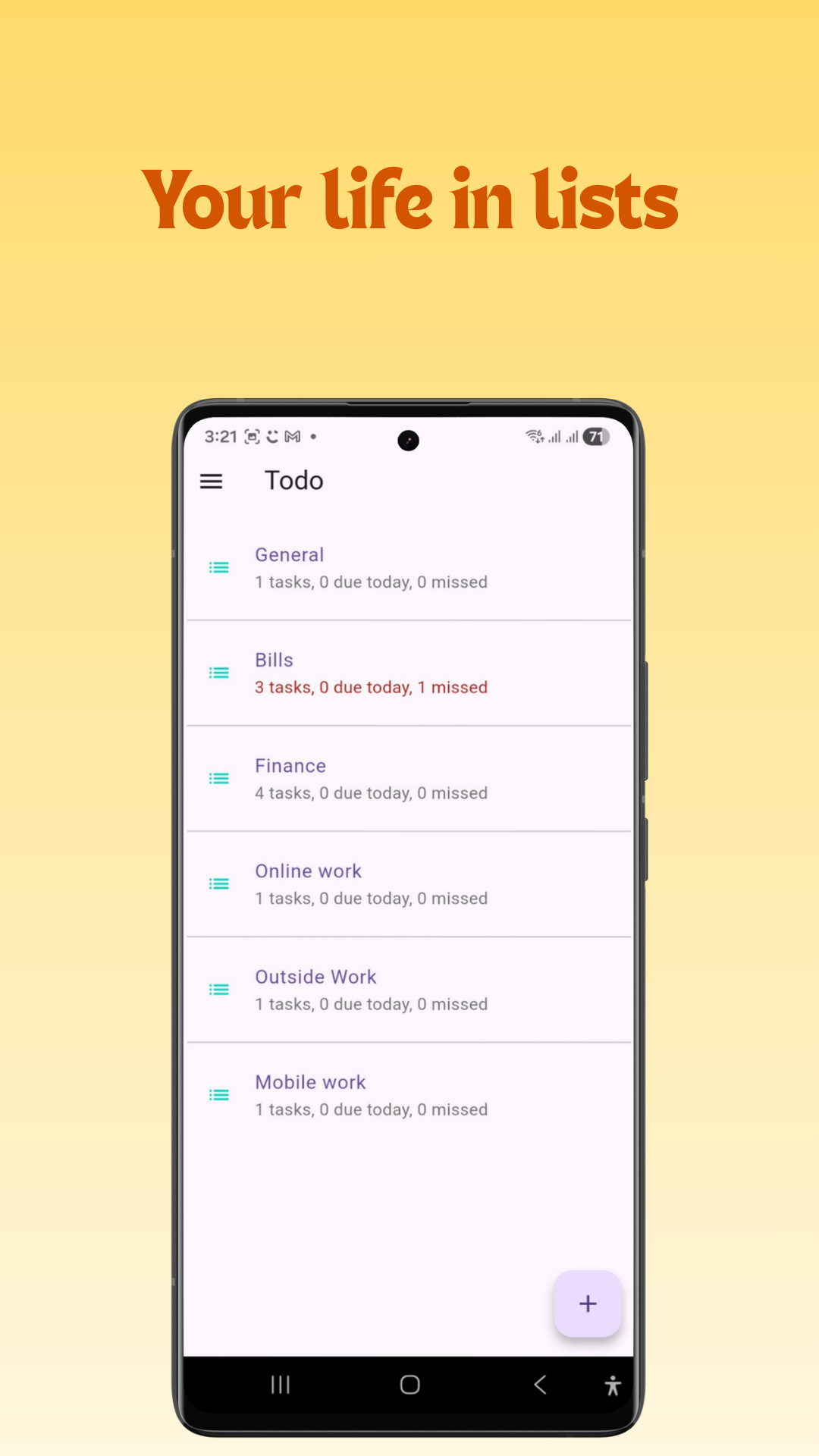
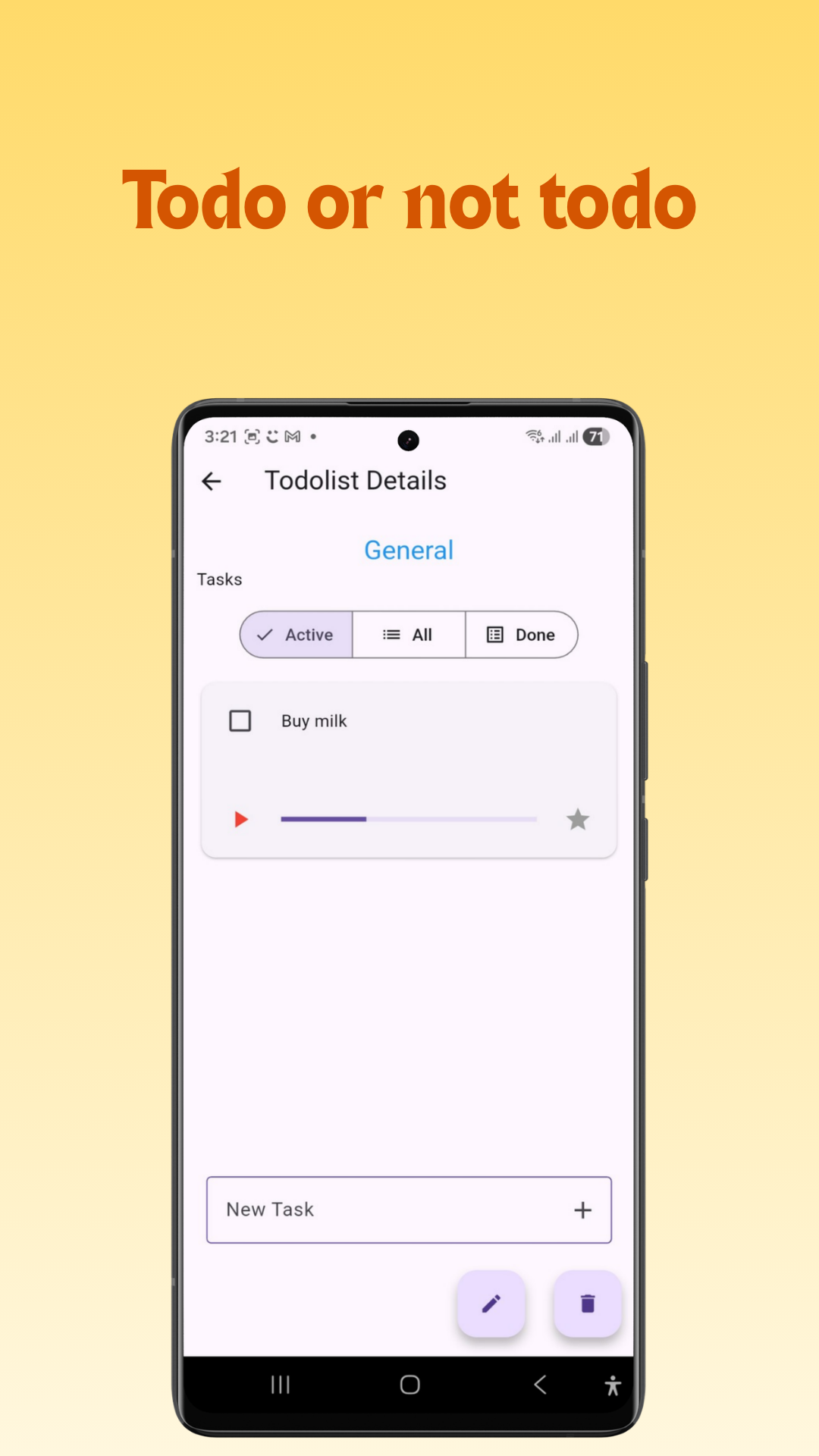
- Create Todo lists, Tasks, and Subtasks.
- Calendar: Events, appointments, and everything else.
- Notes: write and organize your notes.
Clever Organizer is the perfect app for anyone who wants to stay organized and productive. It’s easy to use, and it has all the features you need to get things done.
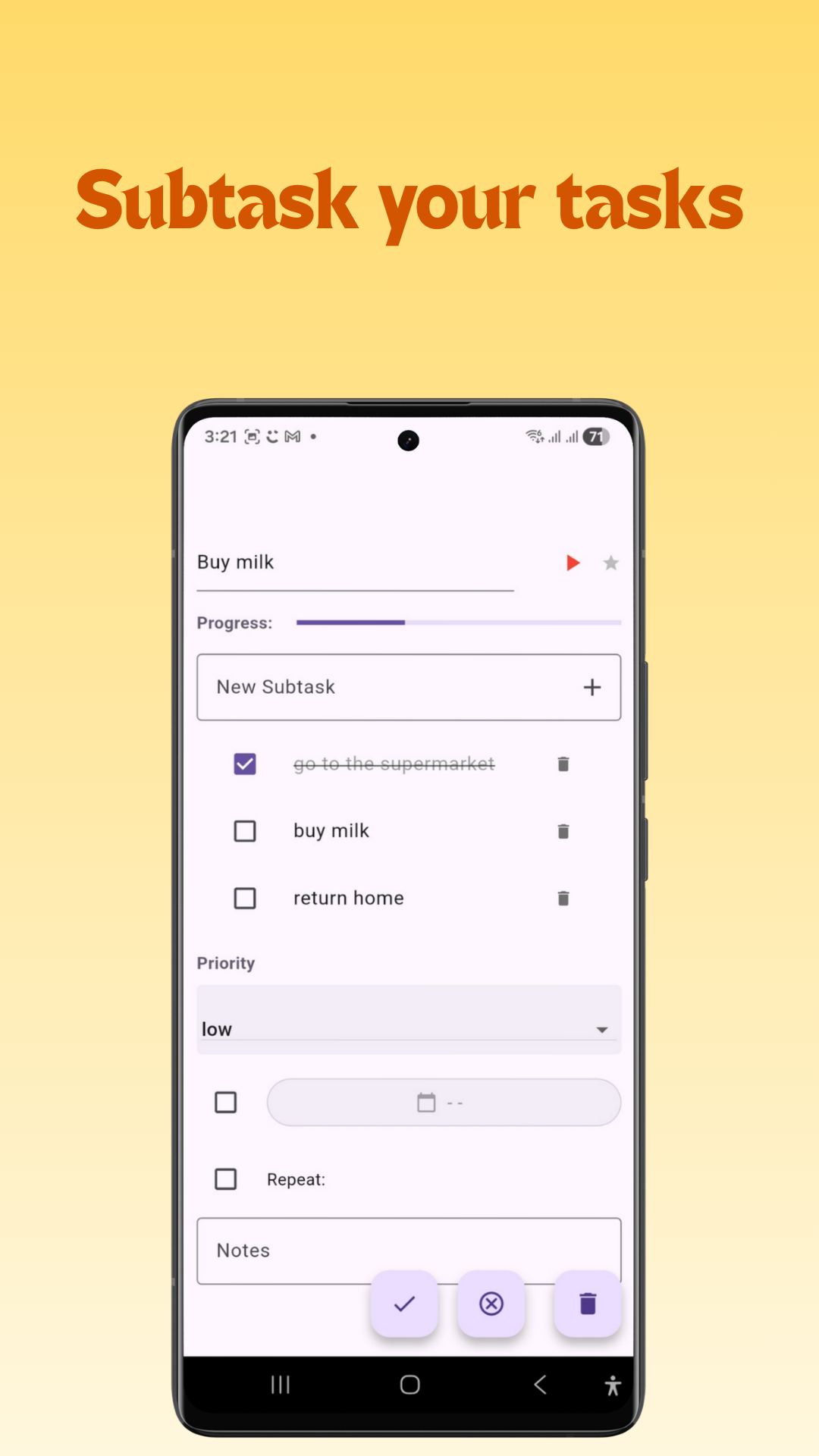
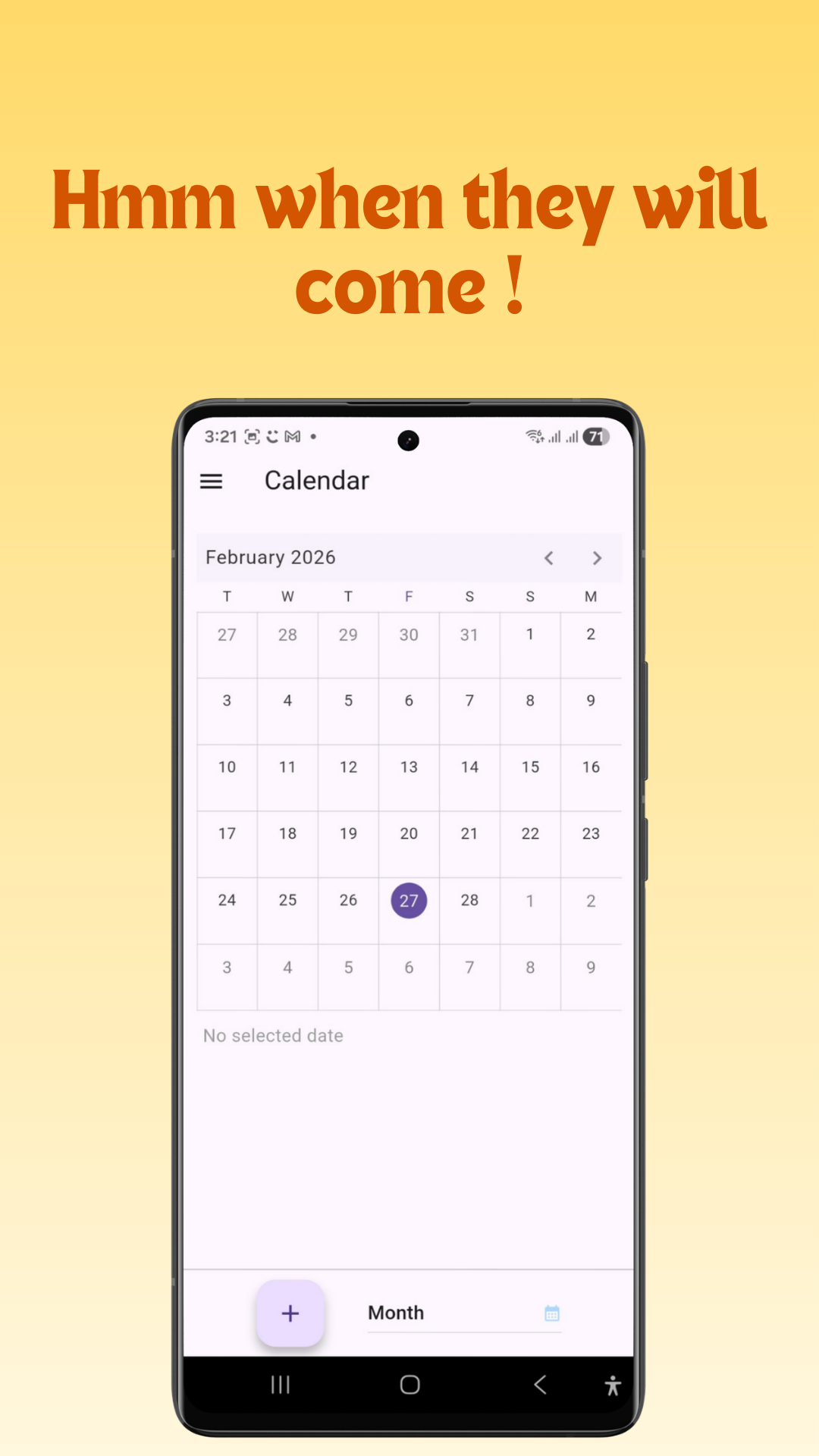
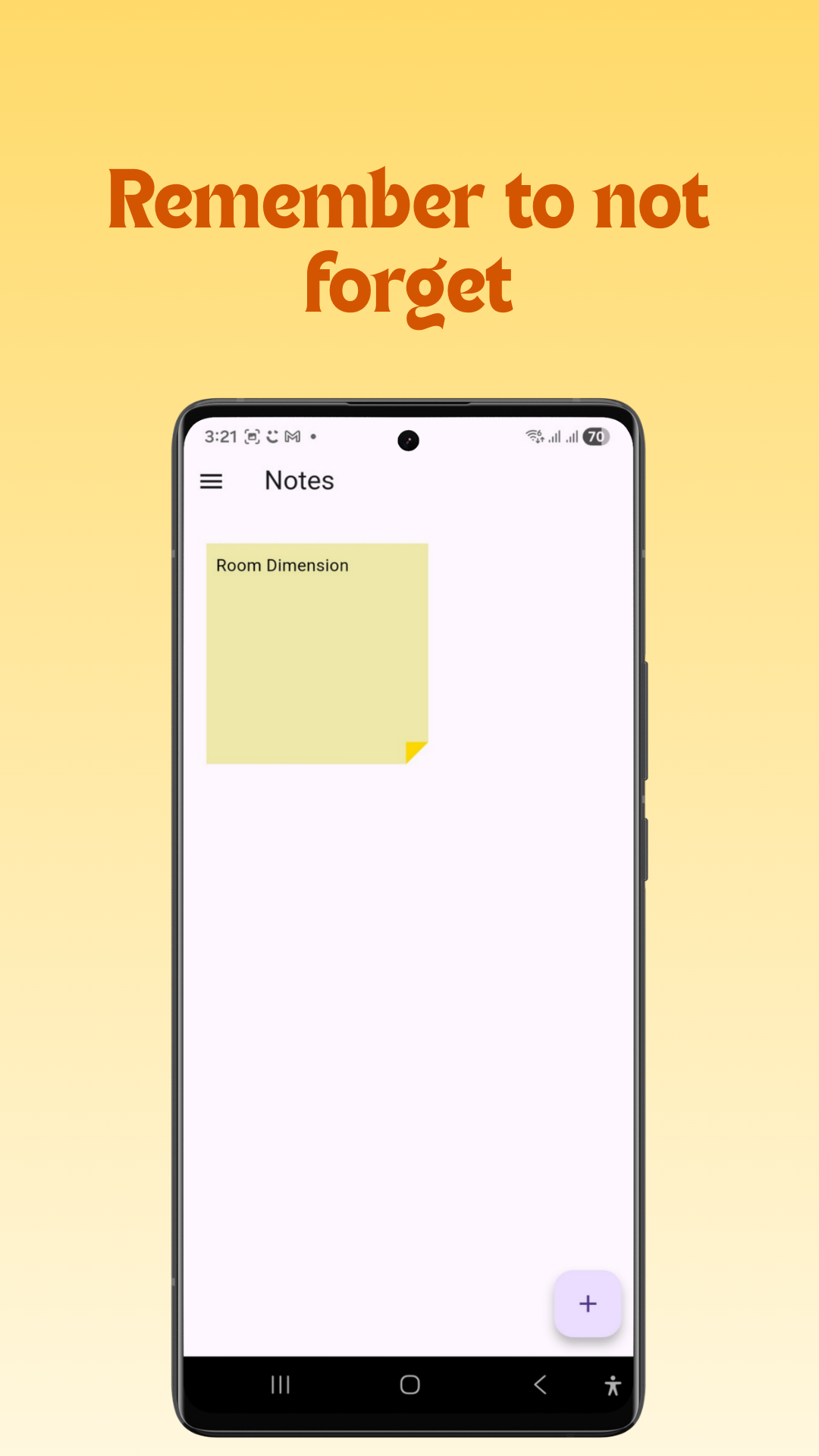
Todolists
Tasks & Sybtasks.
Calendar
Events, Anniversaries & more
Notes
You can’t remember everything
Offline
For ultimate privacy
Backup
Control your data
Themes
Dont’ be bored
Frequently Asked Questions
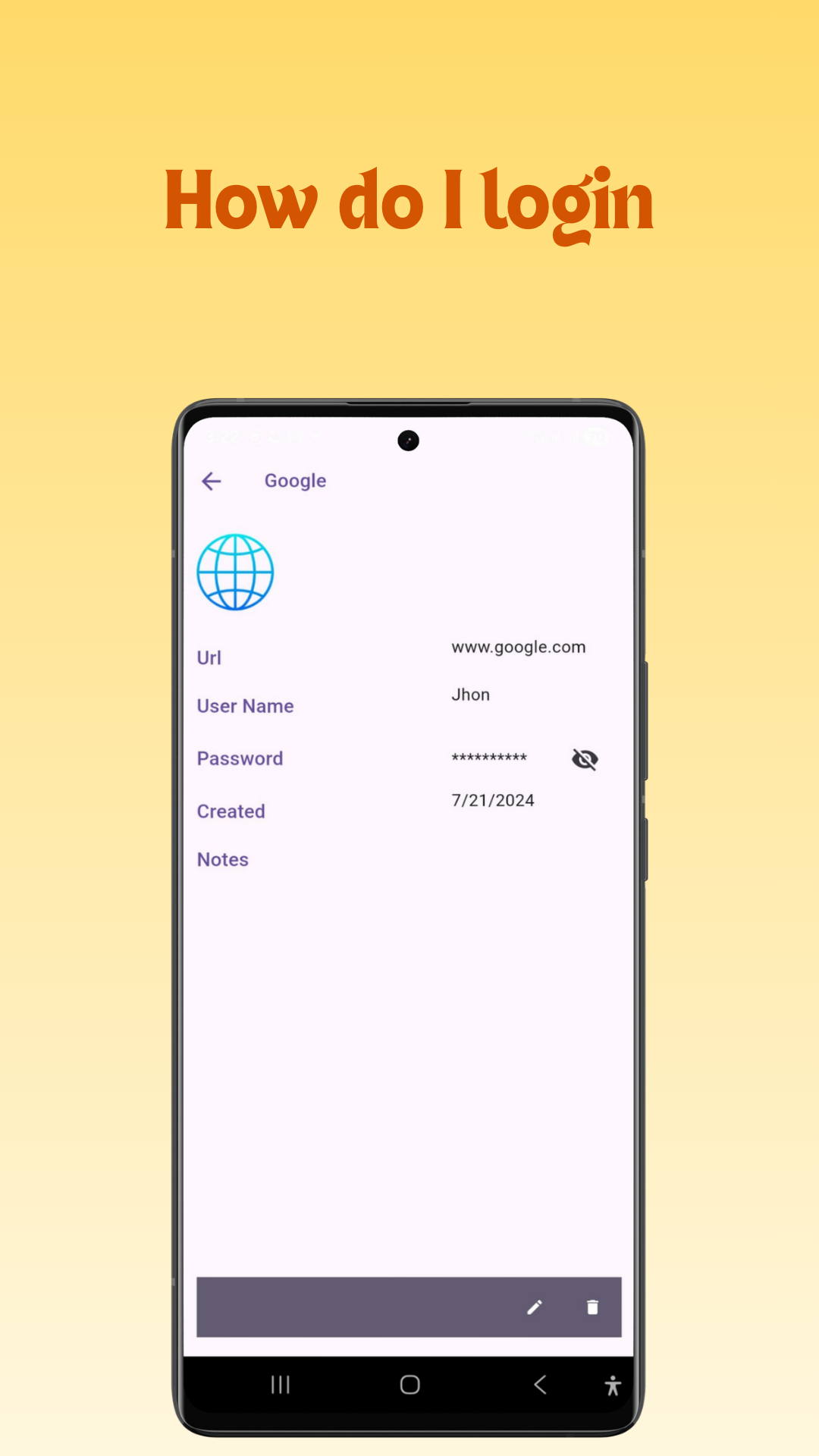
What is Tidy? Tidy is an all-in-one productivity hub that combines your daily task lists, calendar events, notes, diary and a secure password manager into a single, clutter-free app.
How does Tidy replace multiple apps? Instead of switching between separate tools for scheduling, jotting quick ideas, managing to-dos, and retrieving account logins, Tidy brings all four essential daily workflows under one unified dashboard.
Is Tidy free to use? Yes! for Android You can download and start using Tidy’s core task management, calendar, note-taking, and secure storage features right away (Ads supported). For Windows you can, but for a small fee (No ads).
Which platforms does Tidy support? Tidy is available on Windows (via Microsoft Store) and Android (via Google Play Store), with full feature parity so you can stay organized across desktop and mobile.
Can I sync my existing Google or Outlook calendars? Currently No.In the future Tidy will integrates seamlessly with external calendar feeds, allowing you to view all your personal and work appointments alongside your daily task schedule in one place.
How secure is the Password Vault in Tidy? Your privacy and security are our top priorities. All credentials stored in Tidy’s password vault are encrypted locally on your device using industry-standard encryption protocols. Your data remains private to you.
Does Tidy sell or track my personal data? No. Tidy is built with a privacy-first architecture. Your notes, schedules, and stored passwords stay strictly on your local device and encrypted storage.
How do I get started with Tidy? Simply download the appfor Windows or install the mobile app from the Google Play Store, launch the app, and start organizing your tasks, notes, and events immediately—no complex setup required.
Where can I submit feedback or get help with a technical issue? If you run into any issues or have feature requests, reach out to our support team directly through the in-app help menu or via our dedicated support desk at support@janabisoft.com.